
Getting started with professional translation work does not require a huge upfront investment. There are powerful free CAT tools that can handle everything from simple document translation to complex project workflows, all without spending a single euro.
In this guide, we compare the best free CAT tools available in 2026. Whether you are a freelancer watching your budget, a student building your toolkit, or an agency evaluating options before scaling, these tools will get the job done.
In This Guide
OmegaT
OmegaT is the longest-running free, open-source CAT tool in active development. Written in Java, it runs on Windows, macOS, and Linux. It supports translation memories, fuzzy matching, glossaries, and over 30 file formats including DOCX, XLSX, IDML, XLIFF, PO, and more.
OmegaT can connect to machine translation engines (Google Translate, DeepL, and others) and supports auto-propagation of identical segments. Its plugin ecosystem extends functionality significantly.
Visit OmegaT →- ✅ Completely free, no paid tier
- ✅ Active community and plugins
- ✅ Runs everywhere
- ✅ Multiple TM formats supported
- ❌ Interface feels dated
- ❌ No built-in review workflow
- ❌ Requires Java installation
MateCat
MateCat is a free, web-based CAT tool developed by leading research institutions (Fondazione Bruno Kessler and the University of Edinburgh). It requires no installation. Just upload your file and start translating in your browser.
It includes built-in machine translation, translation memory lookup (including MyMemory integration), QA checks, and collaboration features. Files are automatically segmented and matched against public TMs. It handles DOCX, XLSX, PPTX, ODF, XLIFF, XML, and HTML formats.
Visit MateCat →- ✅ No installation needed
- ✅ Great built-in MT integration
- ✅ Collaboration out of the box
- ✅ Free QA checks
- ❌ Web only, no offline mode
- ❌ Large files can be slow
- ❌ Limited advanced features
Smartcat
Smartcat is an all-in-one localization platform with a generous free tier for freelance translators. It combines a CAT editor, translation management, a marketplace, and AI features in one platform.
The free plan includes unlimited projects, translation memory, glossaries, AI-powered translation, and collaboration with clients. You can invite reviewers and project managers. It supports DOCX, XLSX, PPTX, PDF, XLIFF, XML, JSON, HTML, and many more formats.
Visit Smartcat →- ✅ Very generous free tier
- ✅ Built-in client collaboration
- ✅ AI translation included
- ✅ Professional interface
- ❌ Export limitations on free plan
- ❌ Cloud only, data privacy concerns
- ❌ Some features paywalled
Crowdin
Crowdin is a cloud-based localization management platform. While primarily designed for teams and developers, its free tier for open-source projects and the ability to join translation projects make it an excellent free resource for translators.
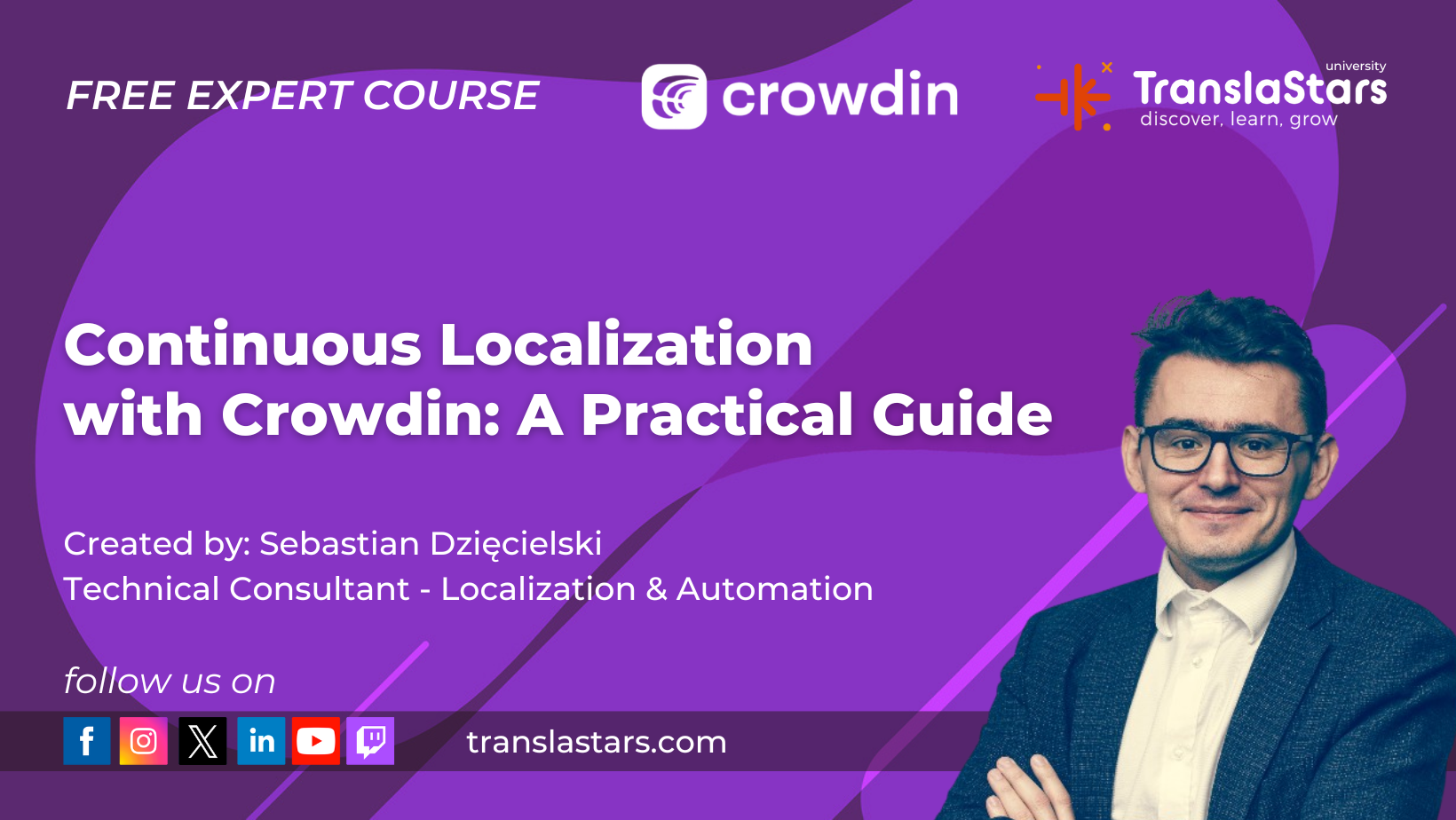
The platform supports GitHub, GitLab, and Bitbucket integration, continuous localization, translation memory, machine translation, and in-context editing. Translators can contribute to open-source projects and build experience. Crowdin also offers a free course on continuous localization through the TranslaStars platform, plus Crowdin Academy with free certification.
Visit Crowdin →- ✅ Smooth developer workflow
- ✅ Open-source projects free forever
- ✅ In-context preview
- ✅ API and integrations
- ❌ Paid plans for private projects
- ❌ Oriented to teams, not solo
- ❌ Overkill for simple translation
Wordfast Anywhere
Wordfast Anywhere is the web-based version of the popular Wordfast Pro. It is designed as a free, lightweight CAT tool that works entirely in your browser. If you are familiar with Wordfast on desktop, the interface will feel immediately comfortable.
It offers translation memory, glossaries, machine translation integration, and alignment tools. Files can be uploaded in most common formats. It's a great option for freelancers who want a simple tool without installation.
Visit Wordfast Anywhere →- ✅ Simple, clean interface
- ✅ Zero installation
- ✅ TMX export compatible
- ✅ Good for occasional use
- ❌ Segment number limits
- ❌ No offline mode
- ❌ Limited file formats
Poedit
Poedit is the go-to CAT tool for translating PO files (Gettext format), widely used in software localization. The free version provides a clean editor with translation memory, machine translation suggestions, and QA validation.
It handles PO, POT, and MO files natively. The interface shows source strings alongside your translations, with automatic completion of previously translated segments. If you work with open-source software localization, Poedit is indispensable.
Visit Poedit →- ✅ Excellent for software strings
- ✅ Clean, intuitive UI
- ✅ Strong QA validation
- ✅ Crowdin integration (Pro)
- ❌ Limited to PO format
- ❌ Basic version lacks TM
- ❌ Not for document translation
Anaphraseus
Anaphraseus is a free, open-source CAT tool that works as a macro set for LibreOffice Writer. It brings translation memory and bilingual document editing directly into your word processor.
It supports TMX import/export, fuzzy matching, glossaries, and segmentation rules. If you are already using LibreOffice (which is free), this turns it into a functional CAT environment. It's particularly useful for translating documents that need full formatting preservation.
Visit Anaphraseus →- ✅ Full formatting control
- ✅ Integrates with LibreOffice
- ✅ Completely free
- ✅ TMX compatible
- ❌ Outdated interface
- ❌ Requires LibreOffice
- ❌ Limited community support
Which Tool Is Right for You?
Choosing the right free CAT tool depends on your workflow, specialization, and technical comfort level.
Best choice: OmegaT or MateCat.
OmegaT handles DOCX, XLSX, and IDML natively with full TM support. MateCat is great for quick turnaround on office documents without installing anything.
Best choice: Poedit or Crowdin.
Poedit is essential for PO files. Crowdin integrates directly with GitHub/GitLab for continuous localization workflows.
Best choice: Smartcat or MateCat.
Both support real-time collaboration. Smartcat's free tier includes client invitations. MateCat allows sharing projects with reviewers.
Best choice: OmegaT or Wordfast Anywhere.
OmegaT is great for learning CAT concepts without limits. Wordfast Anywhere is easy to pick up with zero setup.
FAQ
Are free CAT tools really usable for professional work?
Absolutely. OmegaT and Smartcat (free tier) are used by thousands of professional translators worldwide. The main difference from paid tools is often interface polish, not core functionality.
Can I use these tools with clients who use paid tools?
Yes, as long as you can exchange files in standard formats like TMX (for translation memories) and XLIFF (for bilingual files). OmegaT also supports SDL Trados-compatible file exchange through plugins.
Which tool has the best machine translation integration?
MateCat and Smartcat offer the smoothest MT integration out of the box. Both connect to DeepL, Google Translate, and other engines. OmegaT supports MT but requires manual configuration.
Do free tools include quality assurance features?
MateCat includes QA checks for inconsistent terminology, number mismatches, and tag errors. Smartcat has built-in QA. OmegaT's QA is available through plugins or externally with XBench (also free).
Can I use a free CAT tool alongside paid ones?
Yes. Many translators use OmegaT as a backup when traveling, or MateCat for quick small projects that do not justify opening their main tool. The TMX format ensures your translation memories remain compatible across tools.
Where can I compare more tools or find help choosing?
Use the CAT Tool Recommender to get AI-powered recommendations based on your workflow, budget, and feature needs. Or use the Side-by-Side Comparator to compare any tools instantly.
More Free Resources on TranslaStars
Choosing the right CAT tool is just one step. Here are other free tools from TranslaStars:
- CAT Tool Recommender - AI-powered tool matching based on your needs
- CAT Tool Comparator - Compare tools side by side across all features
- Localization Job Board - Aggregated translation and localization jobs from LinkedIn, Indeed, and more
- Localization Industry News - Daily AI, translation and language industry news
- Free Courses - 30+ free courses with certificates

Take your CAT skills further.
Whether you want to learn Continuous Localization with Crowdin, master AI-assisted workflows, or build automated localization pipelines, TranslaStars has a course for you.




Courses
Free Courses/Resources
LMA
TranslaStars University
Media Library
Contact
Support / Help / Documentation
Data
