
What if your personal assistant could read your files, manage your calendar, draft your emails, automate your repetitive tasks, and remember everything you ever told it - while running on your own computer, with your data staying yours?
That is OpenClaw. Not a chatbot. Not another cloud app. OpenClaw is an open-source personal AI infrastructure: an assistant that lives on your own machine (or a server you control), connects to your real tools, browses the internet for you, creates accounts, runs tasks on a schedule, and even builds complete applications. You talk to it from Telegram, WhatsApp, Discord, your terminal or your browser. It listens, it acts, and it remembers.
In 2026 it has moved from a developer tool to something broader: a personal AI employee that changes how you work, both professionally and personally. Here are 10 reasons why - plus a glossary of the terms you will hear, and a real example: TranslaStars Audio, a complete product we built with it.
In This Article
- OpenClaw Terms You Will Hear
- 1. It Remembers Everything You Tell It
- 2. It Connects to Your Tools, Browsers and Accounts
- 3. It Automates Your Repetitive Work
- 4. It Acts on a Schedule (Crons and Heartbeats)
- 5. It Runs on Your Machine
- 6. It Learns Your Skills
- 7. It Talks to Your Other Assistants
- 8. It Delegates and Parallelizes
- 9. It Is Transparent by Design
- 10. It Gets Better Every Week
- Real Example: TranslaStars Audio
- Learn It: OpenClaw Professional Course (27 Aug)
- Alternatives: Hermes and the Open-Source Landscape
- How to Start
OpenClaw Terms You Will Hear
OpenClaw has its own vocabulary. When you read its docs, watch a demo, or listen to someone talk about their assistant, these are the terms they mean:
1. It Remembers Everything You Tell It
Chatbots forget. OpenClaw keeps a long-term memory: your preferences, your projects, your decisions, your lessons learned. Wake up after a month away and it still knows how you like your emails written, which tools you use, and what you are working on. That continuity is what turns a tool into a colleague.
Concrete example: tell it once, "I prefer short, bullet-point emails in English, with no em dashes", and every future draft follows that rule without you repeating it. Tell it your clients' language pairs and it will never mix them up again.
2. It Connects to Your Tools, Browsers and Accounts
Email, calendar, files, spreadsheets, databases, messaging apps. OpenClaw connects to the tools you already use and acts through them - with your permission. It can also browse the internet, search, fill forms, and create accounts for services you need. It is not a chat window that only talks: it is an agent that does. You do not adapt your workflow to it; it adapts to yours.
Concrete example: in our own workflow, OpenClaw read a PDF syllabus, extracted the course structure, and turned it into a complete landing page - layout, images and all - in minutes. No copy-pasting, no reformatting by hand.
3. It Automates Your Repetitive Work
The daily grind - summarizing emails, drafting replies, updating trackers, generating reports, checking statuses - becomes delegated work. You review, it drafts. Over a year, that is hundreds of hours returned to you.
Concrete example: every morning our assistant checks the inbox, summarizes the important emails, updates the jobs board and sends a daily digest - before we have had our coffee.
4. It Acts on a Schedule (Crons and Heartbeats)
Morning reports at 08:00, job digests at 09:00, analytics at 09:30, reminders before meetings. OpenClaw runs scheduled tasks (crons) and heartbeats - proactive checks that keep you informed without you having to ask. It does not wait to be told; it stays useful.
Concrete example: our Localization Jobs Board re-scrapes LinkedIn and Indeed several times a day on a cron, enriches new ads with descriptions and salaries, and deploys the updates automatically - a fully hands-free loop.
5. It Runs on Your Machine
Unlike cloud-only assistants, OpenClaw runs locally. Your conversations, files, and data stay on your hardware by default. For professionals handling confidential client material, that is not a nice-to-have - it is the whole point.
6. It Learns Your Skills
OpenClaw supports a skills ecosystem: packaged instructions and capabilities that teach it to do specific jobs - write a blog in your style, generate a report, run a QA check. You can install community skills or write your own, turning your best practices into reusable capabilities.
Concrete example: we packaged our blog style (fonts, colors, tone, formatting rules) into a skill. Every new post now follows the house style automatically, with zero copy-pasting of templates.
7. It Talks to Your Other Assistants
You can run multiple agents - one for marketing, one for development, one for admin - and OpenClaw coordinates them. They share context, hand off tasks, and notify you when something needs a human decision. Your AI team, not just your AI assistant.
8. It Delegates and Parallelizes
Big job? OpenClaw can spawn sub-agents to work in parallel: one researches, one drafts, one verifies. What used to take an afternoon completes in minutes, and you review the results instead of doing the grunt work.
Concrete example: to build the CAT Tool Comparator (a database of 200+ tools), one sub-agent researched tools, another wrote the reviews, and a third checked the data - all in a single session.
9. It Is Transparent by Design
You can see what it did, why it did it, and what it plans next. OpenClaw logs its actions, asks before external or irreversible steps, and respects your guardrails. With AI, control is the feature - and OpenClaw puts the control in your hands.
10. It Gets Better Every Week
Open source means constant improvement: new integrations, better models, community skills, and fixes - rolling out continuously. The OpenClaw you install today will be more capable next month, without you lifting a finger.
Real Example: TranslaStars Audio, a Product Built With OpenClaw
OpenClaw is not only for emails and reports. With the right setup, it helps you design, build and launch complete applications. We did exactly that with TranslaStars Audio: a streaming platform that turns TranslaStars course content into narrated audio sessions you can learn from in 15 minutes a day, in eight languages, with subscriptions, payment processing and an admin dashboard.

What is TranslaStars Audio? A catalog of 80+ audio sessions generated from TranslaStars course content, with AI narration, subtitles (VTT), downloadable summaries, and a player that works on desktop and mobile. Users can listen for free to tasting sessions or subscribe for the full catalog. It is live at audio.translastars.com.
Here is the stack of tools and solutions we used to build it - and how OpenClaw fit into each layer:
The pattern is the same for any product: you describe the problem, OpenClaw proposes the architecture, builds the pieces, and you review and approve each step. That is how a small team ships a complete platform.
Learn It: OpenClaw Professional Course (27 August)
Want to build your own assistant and products like this? On 27 August 2026, Alfonso Gonzalez (TranslaStars CEO) teaches the OpenClaw Professional Course, live and in English.
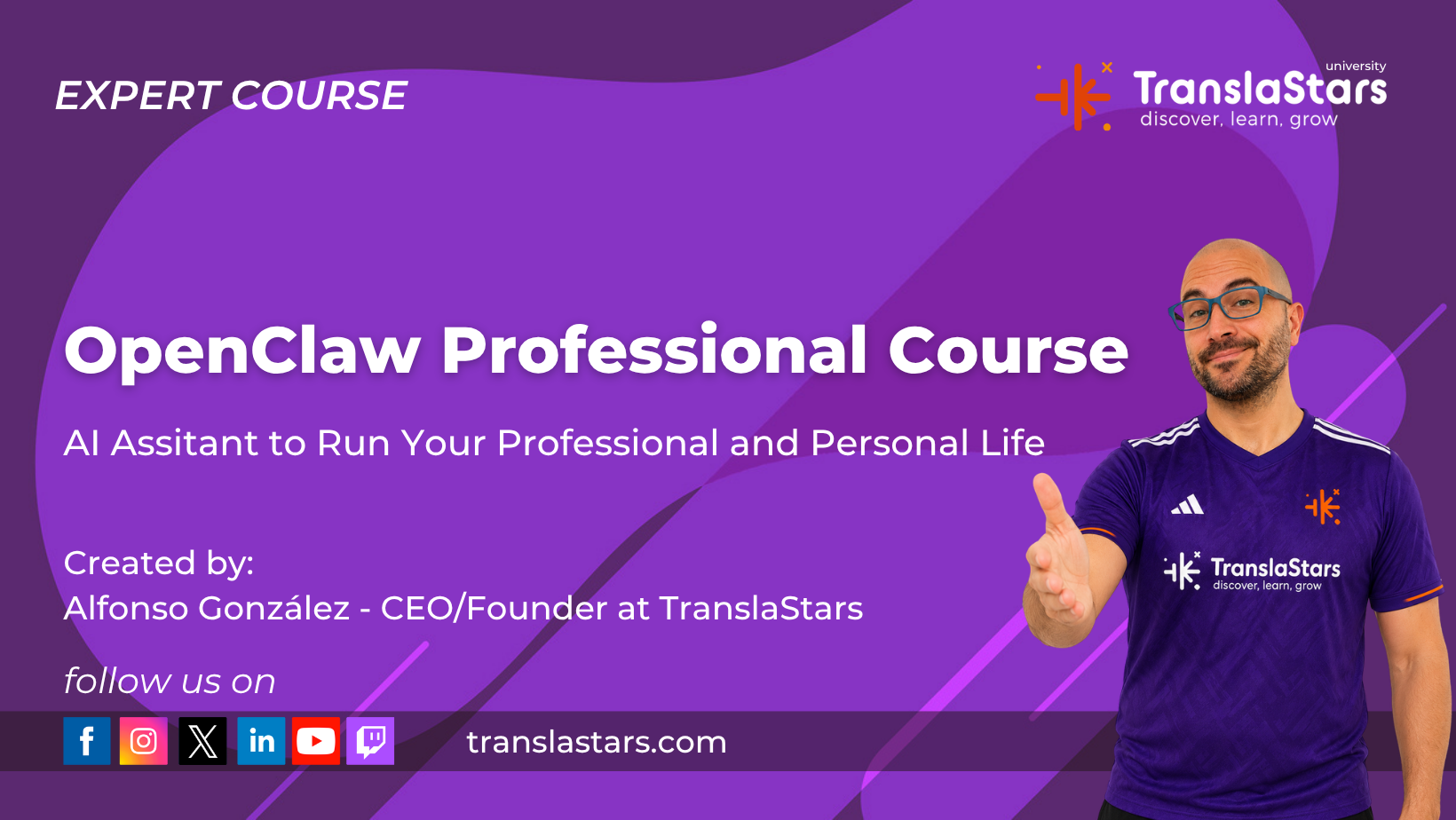
In two hours you will learn how to:
- Set up an AI assistant that knows your language pairs and clients.
- Translate formatted DOCX without breaking the layout.
- Run terminology checks against your approved glossary.
- Extract project briefs from messy client emails.
- Generate automated digests and reports every day.
Includes lifetime access to the course and extra contents, plus a certificate of completion. Book your seat here: translastars.com/course/openclaw-professional-course.
Alternatives: Hermes and the Open-Source Landscape
OpenClaw is not the only option in this space - and that is good news. Hermes Agent, the open-source agent from Nous Research, is a strong alternative with persistent memory, reusable skills, cron jobs and multi-platform messaging. Like OpenClaw, it runs on your hardware, keeps your data yours, and grows with you over time.
The category is moving fast. Try both, compare how each one fits your workflow, and pick the one you will actually use every day. The important thing is to start - the tool matters less than the habit.
How to Start
You do not need to be a developer to benefit. Start small:
- Install it on your own computer and connect your main tools (email, calendar, files). Official site: openclaw.ai - code on GitHub.
- Do not install alone: if you want to set it up by yourself, ask an LLM (ChatGPT, Claude, Gemini) for step-by-step help. Guiding you through an installation is exactly what these models are great at.
- Give it one job: a daily summary, a report, a repetitive email task. One job, done well.
- Teach it your preferences and let the memory build. The value compounds over weeks.
- Then expand: scheduled tasks, sub-agents, custom skills. Grow at your own pace.
Want to master AI workflows like these? Join the OpenClaw Professional Course on 27 August, explore the AI and localization programs at TranslaStars University, see the full catalog at TranslaStars Courses, or start with free resources at TranslaStars Free Courses.
Prefer to explore first? Visit openclaw.ai for the official docs, or browse the code on GitHub.




Courses
Free Courses/Resources
LMA
TranslaStars University
Media Library
Contact
Support / Help / Documentation
Data
