
AI • Workflow Design
How to Design AI Pipelines for Localization: A Practical Blueprint
Two teams can run the same AI model on the same content and get completely different results. The difference is rarely the model itself. It is everything that happens before and after the model runs: how the input is structured, what context the model receives, what controls sit around the output, and where human judgment is layered in.
Building effective AI pipelines for localization requires three things: a solid architecture framework, the skills to implement it in production, and an operational model that makes content truly AI-ready. This guide covers all three, drawing on frameworks developed by Nicola Calabrese (CEO of Undertow), Jourik Ciesielski, and Alfonso González (CEO & Founder of TranslaStars), each of whom teaches dedicated courses on these topics.
Table of Contents
Why Pipelines Matter More Than Models
Most localization workflows were designed for a world where human translators moved content through linear, sequential steps. AI was added later, typically as a machine translation engine plugged into an existing TMS. The result works at a basic level, but it underdelivers in every meaningful way.
Terminology drifts. Brand voice disappears after the first language pair. Output needs heavy rework because nobody redesigned the system around what AI can do.
The core shift is this: localization has evolved, and so must your workflow. The old model was linear, static, and batch-based: content was finished before translation began, style guides existed as PDFs, translation memories were exported as TMX files, and everything was processed in batches. The new model is continuous, AI-assisted, and real-time: content flows through AI-assisted pipelines, AI agents access prompts, vector embeddings, and reusable snippets in real time, and human expertise shifts from process management to prompt engineering and quality stewardship. As Alfonso González puts it in his Continuous Localization course: "This doesn't eliminate human expertise. It shifts where that expertise is applied."

A pipeline is not a sequence of tools connected by APIs. It is a deliberate architecture where each component : content ingestion, routing, preprocessing, AI processing, review, delivery is designed around the output quality you need, not the tool you already have. Teams that succeed with AI design pipelines first and pick models second. Teams that struggle do the reverse.

Start with Architecture: The Four Pillars of Pipeline Design
Before writing a single line of code, ask yourself: what would a localization system look like if we designed it for AI from the ground up? Nicola Calabrese, who runs a dedicated course on AI Systems in Localization, developed a four-pillar framework that answers exactly that question.
Pillar 1: Route Content by Type, Not by Volume
Linear workflows underdeliver because they treat all content the same. The first step is to separate content into processing lanes. A marketing campaign needs different treatment than a legal contract, and both need different treatment than internal documentation or UI strings. Each lane gets its own AI configuration, quality controls, and human review points. Routing happens before any engine touches the content.
Pillar 2: Audit Your AI Stack Before You Build
Before designing anything, ask six questions: what does your AI actually do well today? Where does it fail predictably? Where are the AI silos that operate independently instead of as part of a connected system? Your answers should determine the architecture, not the other way around. If your AI handles terminology extraction well but translation quality is inconsistent, design the pipeline to extract terms first and route translation to a human review loop.
Pillar 3: Design End-to-End Workflows, Not Translation-Only Steps
AI adds value at multiple points in the workflow, not just at the translation step. A complete pipeline might include:
- AI-generated translation briefs that set context for every segment
- Automated terminology extraction from source content before translation begins
- Intelligent content routing based on document type and quality tier
- Source content review powered by LLMs that flag ambiguities before they propagate
Pillar 4: Build Control Levers and Human Intervention Points
The most practical part of a pipeline is where you place controls. Rewrite your glossaries, style guides, and tone-of-voice sheets into machine-readable formats that an AI can reference at runtime. The 80/20 rule guides where human judgment belongs: 80% of content can be handled by AI with the right controls in place, while 20% needs strategic human intervention at specific decision points. Adjust your controls, and the output changes in real time.
In practice: Nicola Calabrese covers this entire framework with hands-on exercises in his AI Systems in Localization course on TranslaStars. The framework is language-agnostic and works with any TMS or LLM stack.
From Architecture to Production: Building Multi-Step AI Workflows
An architecture is only as good as its implementation. The gap between a demo and a production pipeline is significant: a demo handles the happy path, but a production pipeline handles errors, edge cases, language-specific configurations, and quality checks, and keeps running without someone watching.
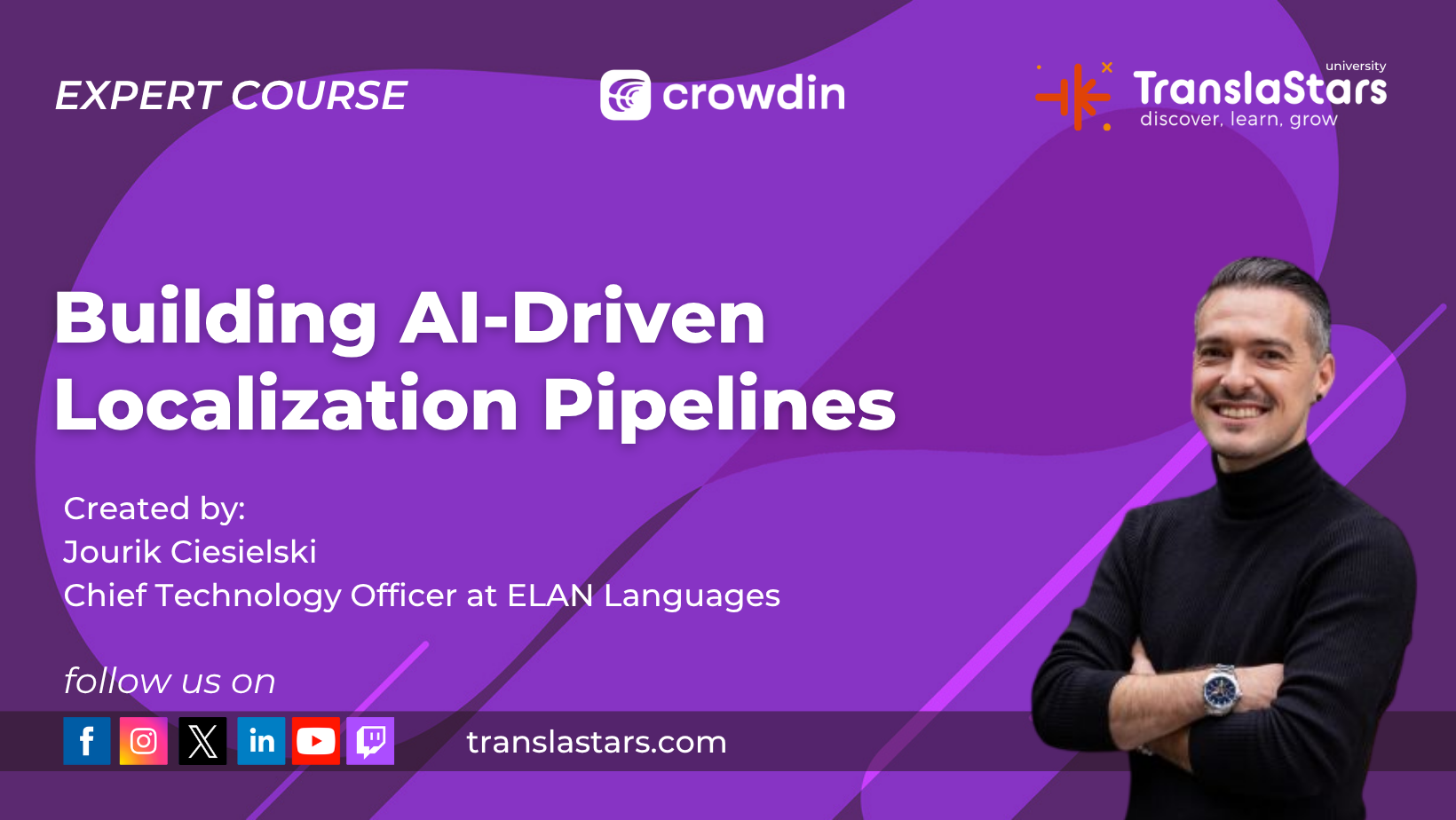
Jourik Ciesielski focuses specifically on this transition in his Building AI-Driven Localization Pipelines course. His approach shows how to take a framework and turn it into running code.
Chain AI Calls with Structured Input and Output
A multi-step AI workflow chains multiple calls so the output of one step becomes structured input for the next. Example: content analysis determines the best approach, automated prep extracts terminology and adapts style, AI processing runs with the right model configuration for each content type, and automated quality checks flag only the edge cases that need human review.
Build Error Handling That Keeps the Pipeline Running
Production pipelines need retry logic for transient failures, fallback models when the primary model is unavailable, and alerting when something unexpected happens. These mechanisms ensure the pipeline degrades gracefully instead of failing completely. This is the difference between a tool and a reliable system.
Design Feedback Loops for Continuous Improvement
The most effective pipelines improve over time. Build feedback loops that capture human corrections and feed them back into the AI's context: corrections update the Translation Memory, refined terminology rules update the glossary, and quality rejections inform the style guide module.
Make Content AI-Ready with Continuous Localization
Even the best pipeline architecture and production implementation will underperform if the content itself is not designed for AI consumption. This is where Continuous Localization comes in: an operational model that answers a critical question : how do you structure content, style guides, and terminology so that AI systems can consume them reliably at scale?
As Alfonso González teaches in the AI Multilingual Operations Strategist program: "In AI workflows, content needs to be machine-readable first, human-readable second."
The Three Pillars of AI-Ready Content
Three conditions determine whether your localization assets are ready for AI pipelines. All three must be in place for consistent results at scale.
1. Semantic Structure. Content must be organized using schemas and ontologies that AI can parse reliably. A beautifully formatted PDF with embedded headers is almost useless to an AI agent. The same content structured as semantic JSON, with clear metadata tags and contextual relationships, becomes incredibly powerful.
2. Contextual Metadata. Every piece of content needs tags, categories, and relationship data that tell the AI what it is, where it belongs, and how it relates to other content. File context, product context, and content-type metadata all feed into the AI's understanding.
3. Reusable Components. Build modular assets that can be assembled dynamically: prompt modules, snippets, terminology blocks, formatting rules, and quality rules. Build once, reuse everywhere, keep it consistent.

Transform Style Guides into AI Prompts (4 Steps)
Translation style guides have been the backbone of quality assurance for decades. In an AI-first workflow, they don't disappear. They transform into something more powerful: structured prompts that AI models can consume directly. Follow these four steps:
Step 1: Audit. Extract every rule from existing style guides, no matter how small. Include rules about tone, terminology, formatting, and brand voice.
Step 2: Categorize. Classify rules into absolute rules, conditional rules (only in certain content types), preferences, and rules AI already knows (basic grammar and spelling). The categorization determines where each rule goes in the prompt architecture.
Step 3: Convert. Rewrite each rule as a deterministic instruction with examples and counter-examples. AI learns from contrast. Instead of "use a warm and friendly tone," write: "Use active voice only. Use short sentences. Avoid jargon and buzzwords. Maintain consistent terminology."
Step 4: Validate. Test each prompt against a reference set of translations. Version-control everything. Track regressions when you update prompts. Continuous improvement is the goal.

Build a Prompt Module Architecture
Once your style guides are transformed, organize them into a layered prompt architecture that is reusable across content types:
- Core Prompt (always loaded): Defines the AI's role, tone, and audience. Never changes.
- Terminology Module: Domain-specific approved terms, brand language, and proper nouns.
- Formatting Module: Structure rules for UI strings, documentation, marketing content, legal text, and product copy.
- Quality Module: Validation rules, constraints, and prohibited patterns.
Modules are mixed and matched depending on the content type. A UI string for a gaming app uses the core prompt plus gaming terminology, UI formatting, and a condensed quality module. A legal document uses the same core prompt but with legal terminology, document formatting, and strict quality rules. The result: consistent output across radically different content types, powered by the same underlying system.

Use Vectors as Real-Time Context References
A translation without context is a guess. That is why modern AI localization pipelines use vectors : contextual references that the AI accesses in real time during translation. In platforms like Crowdin AI, vectors are not numerical embeddings; they are familiar localization assets used differently:
- Translation Memory: past translations of similar strings for consistency
- Glossary: approved and forbidden terms
- Style Guide: tone, register, formatting, and writing rules
- File Context: filenames, surrounding strings, comments, placeholders
- Screenshots: visual UI context showing where text appears
- Snippets: reusable instruction modules or prompts
Consider the string "Click here to download your report." Without vectors, the AI translates blindly: generic, possibly wrong tone, unverifiable. With vectors, the AI knows from the glossary that "report" means a financial data document, the style guide says to use an informal tone with imperative CTAs, and the Translation Memory confirms "download report" has been translated consistently 47 times. The result is a confident, on-brand translation that matches past work.
"Three vectors : glossary, style guide, Translation Memory. They equal the difference between a guess and a confident translation."
None of this requires running a vector database. These context references are built into Crowdin AI, which means any team can benefit from vector-aware AI localization with their existing TMS.
Production example: A pre-translate prompt running with Gemini 3.1 Pro at Sinch has handled over 35,000 translations using this exact vector setup. The workflow chains Pre-translate with an AI Proofreader for quality checks. It proves the framework works at scale.
Key Takeaways You Can Apply Today
Here are the most actionable insights from all three frameworks, distilled into a practical checklist:
FAQ
Do I need to know how to code to build AI pipelines?
No. The architecture framework is language-agnostic and accessible to non-developers. Templates are provided in the courses. The focus is on workflow design, not writing code from scratch.
Can these pipelines work with my existing tools?
Yes. The principles apply whether you use Trados, Phrase, Smartcat, Crowdin, or a custom stack. The framework is TMS-agnostic.
How long does it take to implement a full pipeline?
Most teams can build a basic pipeline in one to two weeks using templates from the courses. The more complex your content routing and quality controls, the more time needed for testing.
What is the difference between a pipeline and Continuous Localization?
A pipeline defines how content moves through AI processing. Continuous Localization defines how content becomes AI-ready through structured assets, prompt modules, and contextual metadata. You need both for a complete system.
What are vectors in localization AI?
In platforms like Crowdin AI, vectors are contextual references: Translation Memory for past translations, glossaries for approved terms, style guides for tone rules, file context, screenshots, and snippets. They turn guesses into confident translations.
Deepen Your Skills: Take the Full Course
This guide gives you the blueprint, but building production-ready pipelines takes practice. Each of the experts referenced here teaches a dedicated course on TranslaStars where you go far deeper:
- Learn the four-pillar architecture framework with Nicola Calabrese in his AI Systems in Localization course, part of the TranslaStars catalog.
- Get hands-on with production AI workflows, error handling, and multi-step pipelines with Jourik Ciesielski in Building AI-Driven Localization Pipelines.
- Master the Continuous Localization framework : the three pillars, prompt module architecture, and vector-aware AI workflows. Learn from Alfonso González in the AI Multilingual Operations Strategist program.
Start Building Your AI Localization Pipeline
Get the complete toolkit: Nicola's four-pillar system, Jourik's production techniques, and Alfonso's Continuous Localization model. All courses include lifetime access, templates, and community support.
Explore Building AI-Driven Localization Pipelines →
Explore the AI Summer Camp Program →




Courses
Free Courses/Resources
LMA
TranslaStars University
Media Library
Contact
Support / Help / Documentation
Data
